

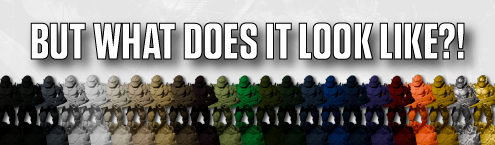
But What Does It Look Like On A Mini?
- Posted by stuartl in Announcements
- No Comments
Showing off the colours of our primers is one of the most difficult things.
We’ll always have to compromise to a certain extent. There will always be some discrepancy in colours when looking at them on a device or printed on a flyer. We know this more than most as we’re always trying to be as accurate as possible. The time we’ve spent chatting about how colours look, on this monitor compared to that one, on this mobile vs that one, and when printed on this flyer or that banner…
…It’s been… alot!
And we just don’t have the technology to beam a couple of dozen sample miniatures to your hobby desk at a moment’s notice. Yet.
So in the meantime, what do we do? Well:
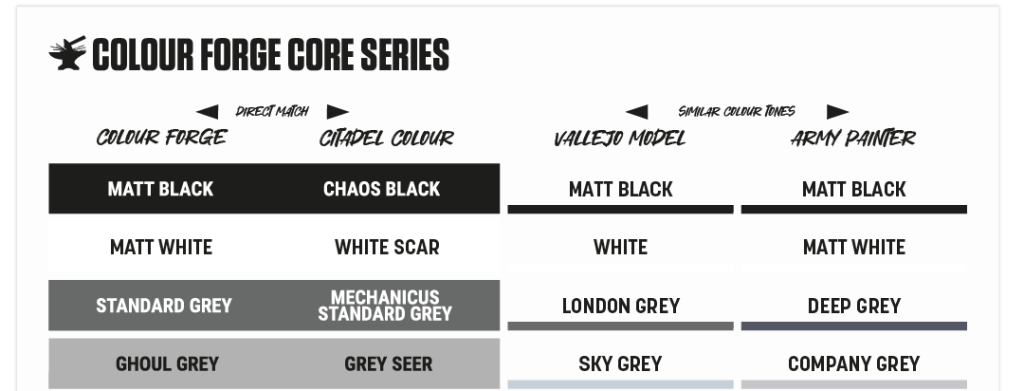
We start with swatches. They are great for consistency, showing what the colour is, as close as humanly possible, but we dont prime a lot of flat squares, so their usefulness only goes so far.
So naturally, we move to showing off some real painted minis. This is pretty time-intensive, and additions to the range, together with changes in lighting and equipment over time, make consistency almost impossible.
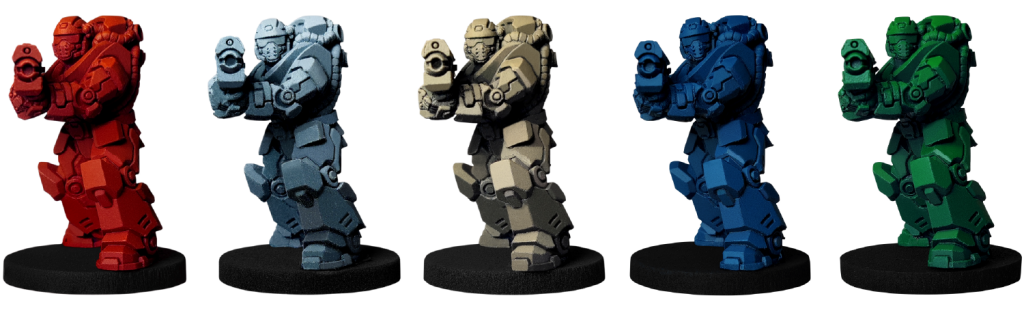
So we look for a way to paint 3D models, to show highlights and shadows, in a way we can control the environment completely, and ensure complete consistency in the future when we release additional colours and ranges.
That’s where our friends over at Loot Studios come in, and our Colour Browser project!
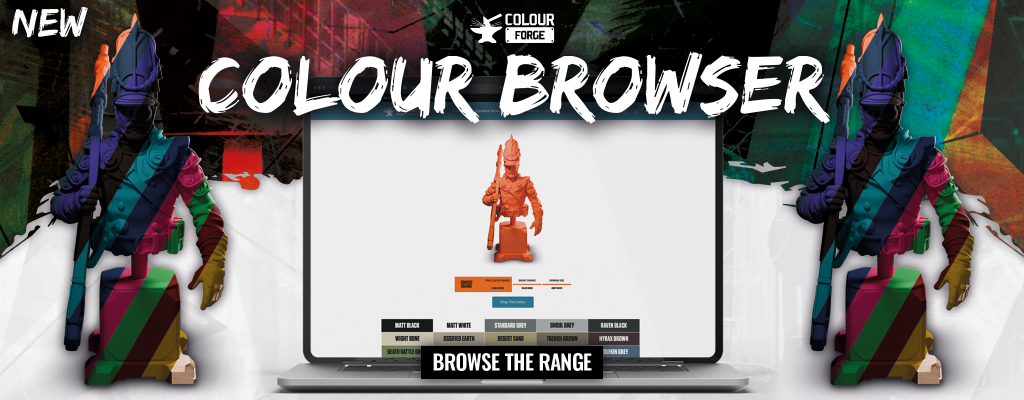
We were looking for a way to build a tool to compare colours and, at the same time, a way to expand the product photography we have on the product page of every spray primer. As usual, the brilliant team of hobbyists that make The Colour Forge tick supplied the answer.
We’ve got a handful of the team who love their 3D printing. And, as with all hobbyists who dabble, they have hoarded a ton of files by dozens of creators over the years, so know how good Loot Studios’ minis are.
Loot Studios was more than happy to provide a handful of models for us to use in our new project, and even jumped on calls with our design team to cover best practices on the software they use.
In the files sent over were the models we specifically asked for. A set of four that would cover as much ground as possible, looking to show off different textures and shapes.

We got the Marine, a soldier covered head to toe, and the Thunder LTV vehicle to cover off those angled, armoured miniatures from both sci-fi and fantasy.
We also asked for Viking Pirate, perfect for showing off more flowing, fantasy miniature lines. softer, rounded edges and a variety of textures like hair, wood, leather, and fabric.
Lastly, we grabbed the Patrol Guard bust for larger-scale models. Showing a combination of softer fabrics and hard-edged armour, a model that creates some great contrast between highlights and shadows. Perfect for the Colour Browser tool.
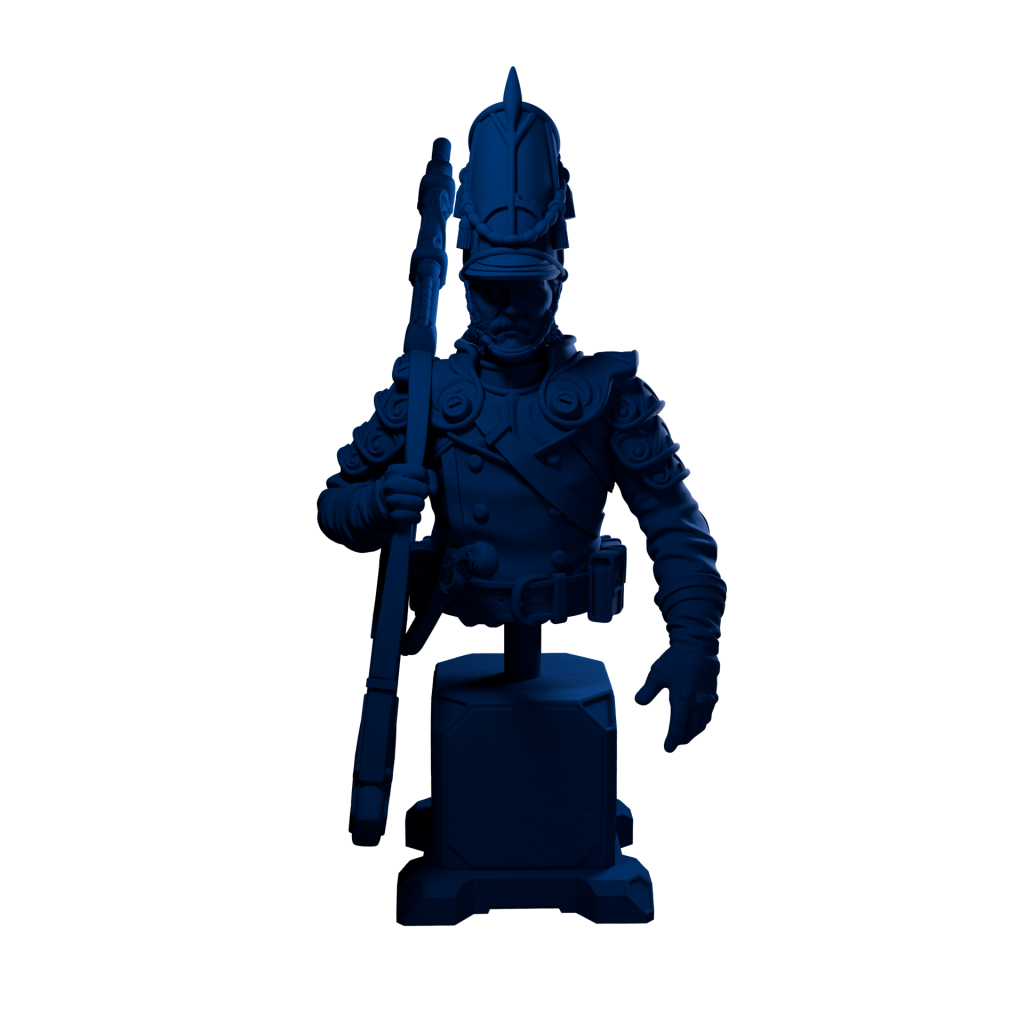
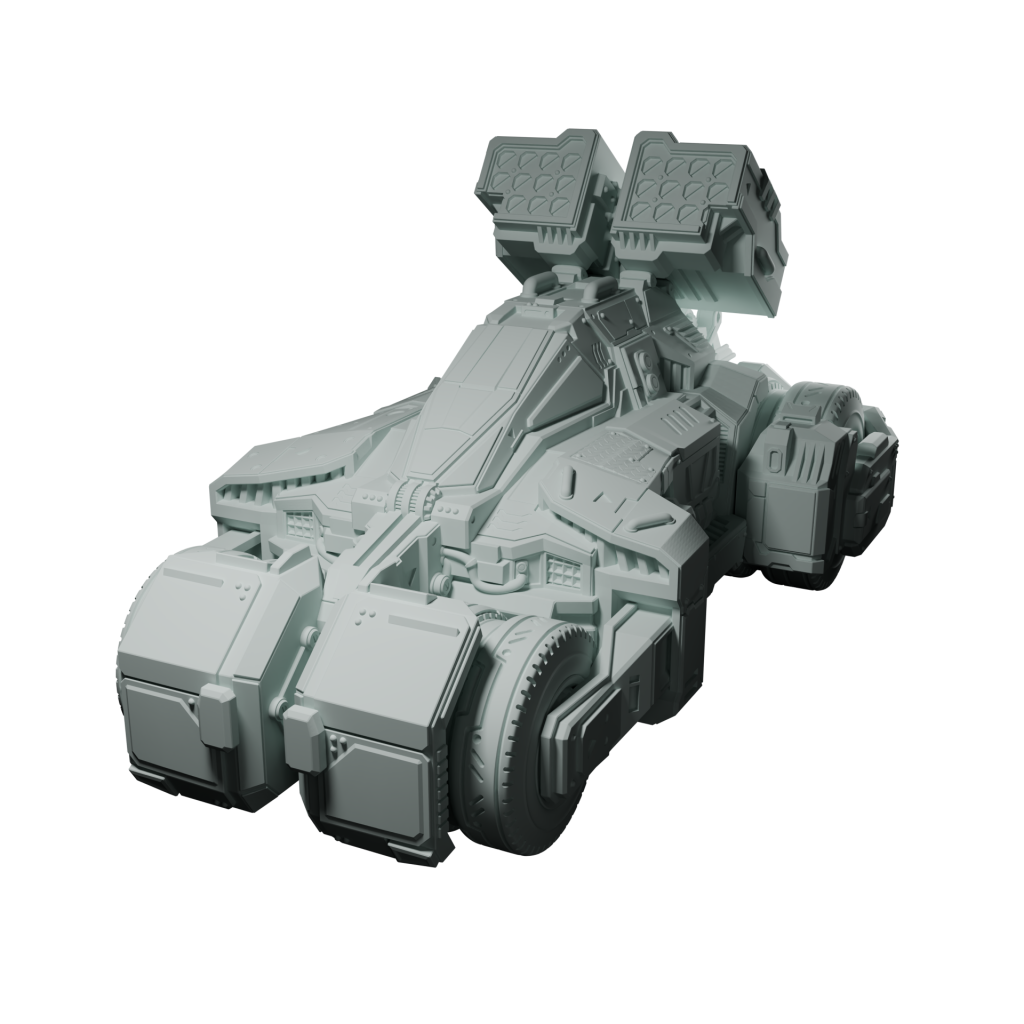
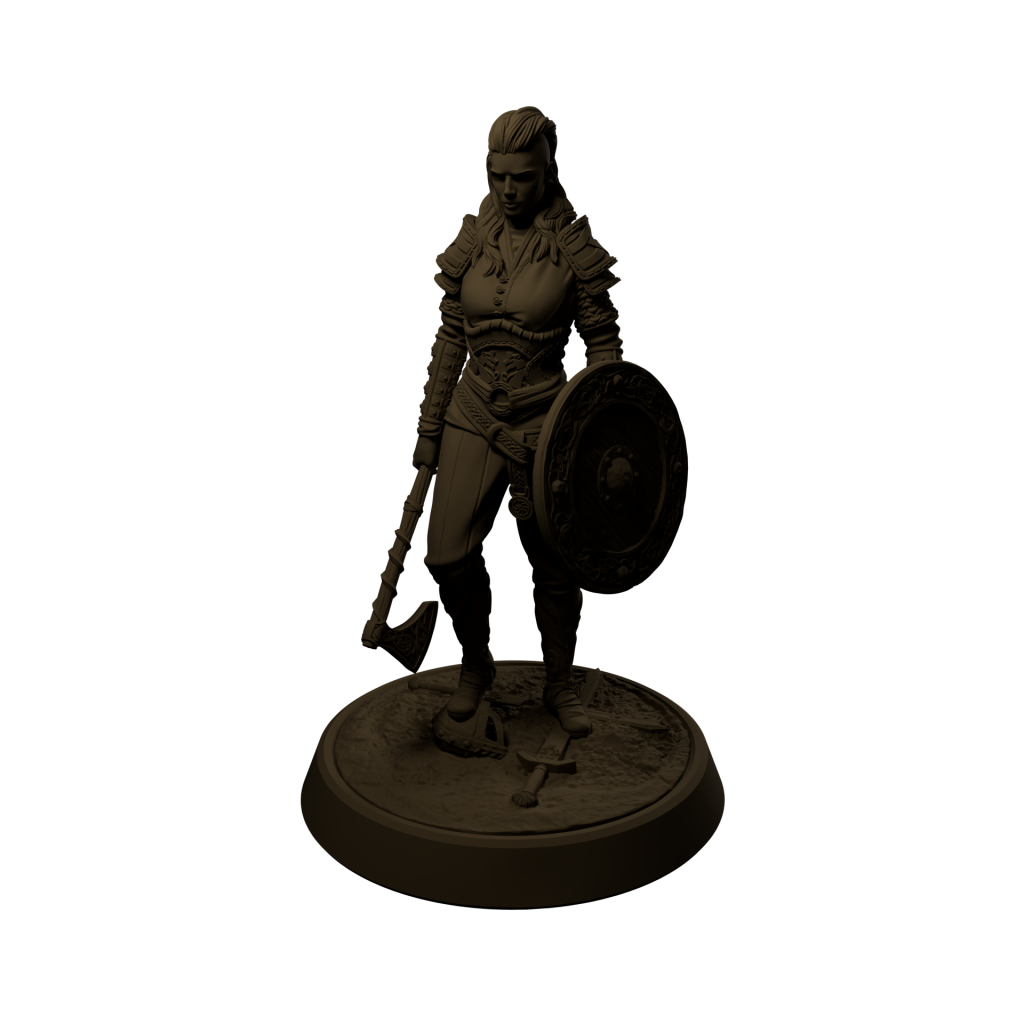
Each of these models has been coloured to match each of our spray primers, so you can directly compare and contrast the colours with a more realistic and consistent look. Just check out the product listing for any colour you’re interested in for the images of these models. And when we expand our range in the future, we’ll be able to add in matching shots for each new colour, expanding the Colour Browser tool.
Check out the tool here, and let us know on socials if you think we’re missing a type of texture or model. You can even peruse Loot Studios catalogue and ask us to use a specific mini of theirs!